Introduction
Selling digital products online has become a popular way to build an online business without managing physical inventory, packaging, or shipping. Instead of selling physical items, digital product sellers offer downloadable files, educational resources, templates, software, and other products that customers can access electronically.
For example, a creator can design an ebook once and sell it to multiple customers. Similarly, a designer can create website templates, a marketer can sell advertising templates, and an experienced entrepreneur can develop an online course to teach others a valuable skill.
The biggest advantage of this business model is that the same product can be sold repeatedly without manufacturing a new physical item for every order. However, success still depends on choosing a product people want, creating something valuable, finding customers, and providing a reliable purchasing experience.
What Are Digital Products?
Digital products are goods or resources that customers purchase and receive electronically rather than as physical items.
They can be downloaded to a computer, accessed online, or delivered through a digital platform.
Common examples include:
1. Ebooks and Digital Guides
Ebooks are electronic books that teach a subject, explain a process, or provide useful information.
Examples include:
- A beginner’s guide to starting an online business.
- A personal budgeting and financial planning workbook.
- A guide to healthy meal preparation.
- An educational guide to social media marketing.
You can create ebooks using Google Docs, Microsoft Word, or Canva and export the finished document as a PDF.
Tools:
- Google Docs: https://docs.google.com
- Microsoft Word: https://www.microsoft.com/microsoft-365/word
- Canva: https://www.canva.com
2. Online Courses
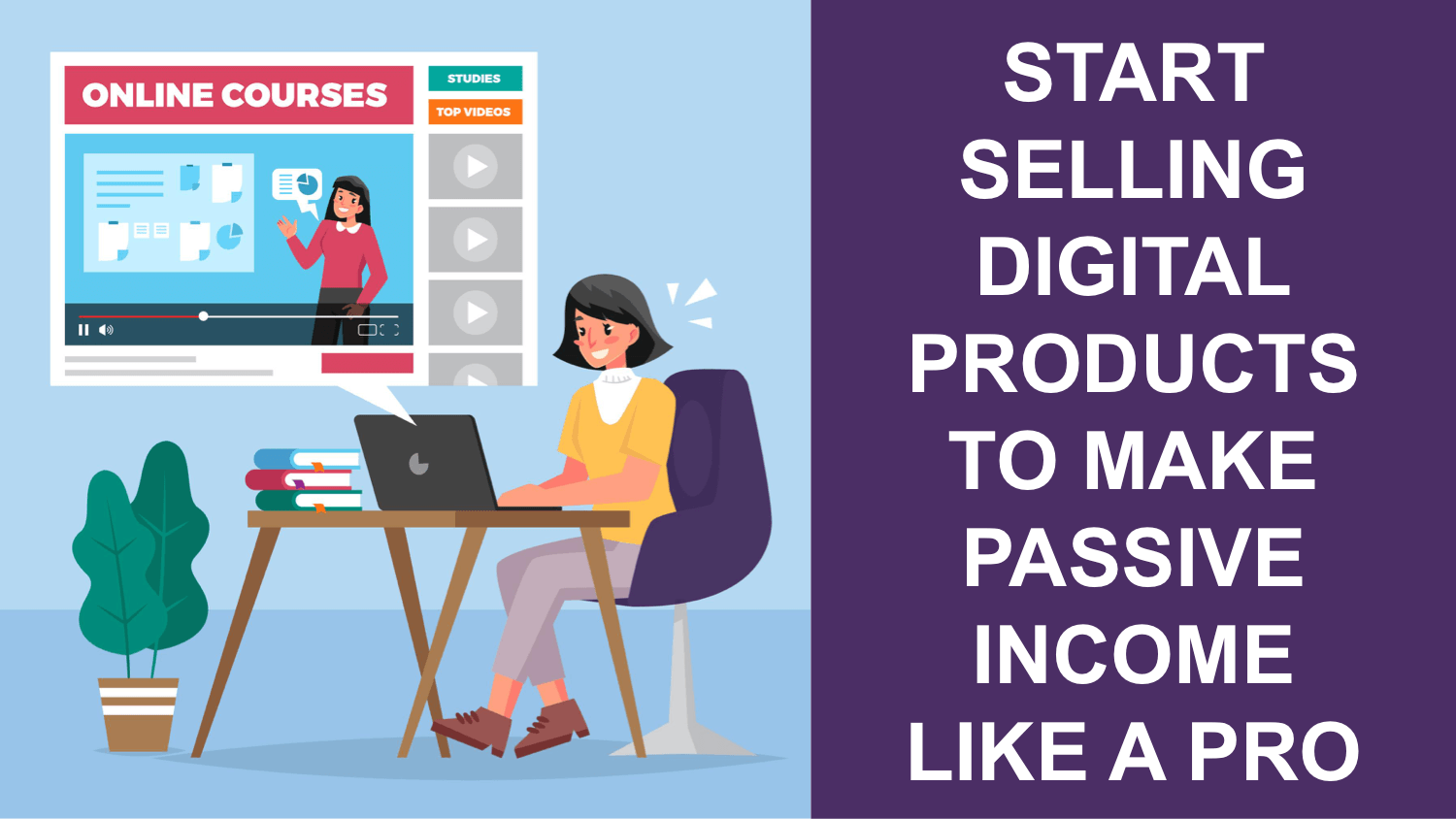
Online courses teach a skill through structured lessons, videos, worksheets, demonstrations, and assignments.
Popular subjects include digital marketing, graphic design, programming, photography, business management, and e-commerce.
A course can contain recorded lessons, downloadable resources, practical assignments, and additional support.
Useful tools:
- Teachable: https://teachable.com
- Thinkific: https://www.thinkific.com
- Google Drive: https://drive.google.com
- Loom: https://www.loom.com
Google Drive can be used to distribute course files and lesson videos, although you should configure sharing permissions carefully. A dedicated course platform may provide a more organized student experience.
3. Templates and Digital Designs
Templates help customers complete tasks faster without creating everything from scratch.
Examples include:
- Canva social media templates.
- Resume and CV templates.
- Business proposal templates.
- Shopify website themes and design assets.
- Notion productivity dashboards.
- Marketing calendars and content planners.
Useful tools:
- Canva: https://www.canva.com
- Notion: https://www.notion.so
- Figma: https://www.figma.com
- Creative Market: https://creativemarket.com
- Etsy: https://www.etsy.com
When selling templates, clearly explain what the customer receives, which software is required, and whether the product can be edited.
4. Digital Planners and Printables
Digital planners help customers organize their schedules, goals, tasks, and daily activities. Printables are downloadable files that customers can print at home or through a printing service.
Examples include:
- Daily and weekly planners.
- Habit trackers.
- Study schedules.
- Wedding planning checklists.
- Budget planners.
- Printable educational worksheets.
Canva and Adobe Express can help you create these products.
Links:
- Canva: https://www.canva.com
- Adobe Express: https://www.adobe.com/express
5. Software, Plugins, and Digital Tools
Developers can sell software, website plugins, browser extensions, automation tools, and digital utilities.
These products may generate revenue through one-time purchases, recurring subscriptions, or commercial licences.
Useful platforms:
- Lemon Squeezy: https://www.lemonsqueezy.com
- Gumroad: https://gumroad.com
- Shopify: https://www.shopify.com
Software products often require technical maintenance, security updates, and customer support, so consider these responsibilities before choosing this category.
Why Sell Digital Products?
Low Inventory Costs
Digital products do not require traditional inventory storage or shipping. After creating a product, you can distribute additional copies electronically.
However, there may still be costs for software, advertising, website hosting, payment processing, and customer support.
Flexible Business Operations
You can manage a digital product business from home or another location with an internet connection.
This flexibility makes the model attractive to students, freelancers, creators, and entrepreneurs.
Global Customer Reach
Digital products can reach customers in different countries through your website, marketplaces, social media, and advertising.
Your actual reach depends on payment availability, local laws, platform policies, language, and your ability to market the product.
Opportunities for Repeat Sales
A useful product can continue generating sales after its initial creation. You can also develop related products, bundles, advanced versions, and memberships.
For example, someone selling a beginner’s marketing ebook could later introduce a template pack, an advanced guide, or a complete training course.
Best Platforms for Selling Digital Products
Different platforms serve different purposes. Some provide a simple checkout and file delivery, while others provide a marketplace or a complete online store. Shopify’s guide to digital product marketplaces discusses these different models and their trade-offs. https://www.shopify.com/pk/blog/digital-goods-marketplace
1. Gumroad
Website: https://gumroad.com
Gumroad provides a storefront and checkout system for creators selling digital products.
You can use it to sell ebooks, downloadable templates, educational resources, memberships, and other eligible digital goods.
How to use Gumroad:
- Create an account, subject to its eligibility requirements.
- Add your product title and description.
- Upload the relevant files.
- Set your price.
- Configure payment and payout details.
- Publish the product page.
- Share the link with potential customers.
Gumroad can be convenient for creators who do not want to build a complete website before testing a product.
Important: Before using Gumroad from Pakistan, verify that its current payout methods support your country and account. A platform accepting international customers does not necessarily mean it can pay every seller.
2. Payhip
Website: https://payhip.com
Payhip supports digital downloads, online courses, memberships, and other creator products.
Its storefront tools allow you to list products, create product pages, offer discounts, and deliver digital files.
How to use Payhip:
- Register for an account.
- Add a digital product.
- Upload your files or course materials.
- Set the price and product details.
- Connect a supported payment processor.
- Publish your storefront.
- Promote the product through your marketing channels.
Payhip offers a free plan with a transaction fee, while other plans have different pricing structures. Check the official pricing page before deciding.
Pricing: https://payhip.com/pricing
Important for Pakistani sellers: Payhip’s payment processing depends on supported providers, such as Stripe or PayPal. Confirm that you can legally connect an eligible account and receive payouts in your circumstances before building your business around it.
3. Etsy
Website: https://www.etsy.com
Etsy is a marketplace where eligible sellers can offer creative products, including certain digital downloads.
It can be suitable for planners, printable artwork, templates, invitations, and original digital designs.
How to use Etsy:
- Check seller eligibility for your country.
- Open a shop if eligible.
- Create a digital product listing.
- Upload the files customers will receive.
- Write a clear title and product description.
- Add relevant listing images and search terms.
- Review marketplace fees and promote your products.
Etsy provides access to marketplace search, but competition can be significant. Sellers must also follow Etsy’s current policies concerning original designs, digital products, and intellectual property.
Seller information: https://www.etsy.com/sell
4. Shopify
Website: https://www.shopify.com
Shopify lets you create a branded online store where you can sell physical products, digital downloads, or both.
Unlike a marketplace, a Shopify store generally requires you to bring customers through advertising, social media, search engines, email, or other channels.
For digital products, you can use a digital delivery app to provide customers with their purchased files.
Official digital products guide: https://help.shopify.com/en/manual/products/digital-service-product
Shopify is particularly useful if you want more control over your branding, product pages, customer experience, and long-term store development.
5. Lemon Squeezy
Website: https://www.lemonsqueezy.com
Lemon Squeezy provides tools for selling eligible digital products, software, and subscriptions. Its merchant-of-record model can simplify certain sales-tax and payment responsibilities.
It may be suitable for software creators, developers, and businesses selling internationally.
Before signing up, check its current supported countries, seller verification rules, payout arrangements, transaction fees, and product eligibility.
6. Your Own Website
You can also sell digital products directly through a website built with WordPress or another website platform.
Useful tools include:
- WordPress: https://wordpress.org
- WooCommerce: https://woocommerce.com
- Easy Digital Downloads: https://easydigitaldownloads.com
Your own website offers greater control over your brand and customer experience, but you must configure checkout, payment processing, security, and file delivery.
How to Create Your First Digital Product
Step 1: Choose a Specific Audience
Start with one group of customers and one problem they want to solve.
For example, instead of creating a general business ebook, you could develop a practical Shopify launch checklist for beginners.
A specific audience makes it easier to explain the product’s value and target the right customers.
Step 2: Research Customer Demand
Look for questions, complaints, and recurring problems in relevant communities, reviews, forums, and search results.
Useful research tools include:
- Google Trends: https://trends.google.com
- Google Search: https://www.google.com
- AnswerThePublic: https://answerthepublic.com
- Reddit: https://www.reddit.com
Research can reveal customer needs, but interest in a topic does not guarantee that people will pay for a product. Validate your idea through conversations, a landing page, or a small test campaign.
Step 3: Create the Product
Use the appropriate software for your product type.
For example, write an ebook in Google Docs, design its pages in Canva, export it as a PDF, and check the final file before uploading it.
For a course, prepare a lesson plan, record demonstrations, organize the files into modules, and provide students with clear instructions.
Step 4: Set a Price
Pricing depends on the product’s usefulness, depth, audience, alternatives, and support requirements.
A simple printable may sell for a few dollars, while a detailed professional course may justify a higher price if it provides substantial value.
Do not choose a price solely because competitors charge it. Consider payment fees, advertising costs, refunds, support, and taxes.
Step 5: Create a Professional Product Page
Your product page should clearly explain:
- Who the product is for.
- What problem it helps solve.
- What is included.
- How the customer receives it.
- Any software or technical requirements.
- The price and refund policy.
- Your support contact details.
Use accurate previews and examples. Do not promise guaranteed income or outcomes you cannot substantiate.
Step 6: Set Up Payment and Delivery
Choose a platform that can legally accept payments from your target customers and pay you through a supported method.
Test the checkout process and download links before launching. Make sure customers receive clear instructions after payment.
Step 7: Promote Your Product
You can market your product using:
- Instagram and TikTok content.
- Facebook and Instagram advertisements.
- Search engine optimization.
- Email newsletters.
- Partnerships with relevant creators.
- Affiliate marketing, where supported.
Useful tools:
- Meta Ads Manager: https://www.facebook.com/adsmanager
- Google Analytics: https://analytics.google.com
- Mailchimp: https://mailchimp.com
- CapCut: https://www.capcut.com
Start by testing a small number of marketing messages. Track purchases and customer acquisition costs instead of judging performance only by likes, views, or clicks.
How to Use AI to Create Digital Products
AI can support research, writing, planning, and design.
For example, ChatGPT can help you organize an ebook outline, Canva can help with layout, and Grammarly can assist with editing.
Links:
- ChatGPT: https://chatgpt.com
- Canva: https://www.canva.com
- Grammarly: https://www.grammarly.com
AI output should be checked for accuracy, originality, and usefulness. Review the licences and terms of any software or assets you use, especially when creating commercial products.
Common Mistakes to Avoid
Creating products without validating demand: A product can be easy to make but difficult to sell if customers do not need it.
Choosing a platform without checking payouts: Payment support is essential. Confirm eligibility before spending money on website development or advertising.
Ignoring marketing: Publishing a product does not automatically attract customers.
Using misleading claims: Product descriptions, testimonials, and earnings claims should be truthful and verifiable.
Ignoring customer support: Buyers need a clear way to receive files, ask questions, and resolve legitimate problems.
Conclusion
Selling digital products can be a flexible online business model for creators, freelancers, educators, and entrepreneurs. Ebooks, templates, courses, planners, software, and digital resources all provide opportunities to develop useful products for specific audiences.
The best way to begin is to identify a genuine customer problem, create a focused product, select a payment and delivery platform that supports your country, and test your marketing strategy.
Digital products do not guarantee easy income, but a valuable product combined with reliable delivery, honest marketing, and continuous improvement can become the foundation of a sustainable online business.